
SAT Calculator Policy (2026): Allowed & Banned List
Miyagi Labs ·
SAT Calculator Policy (2026): Allowed & Banned List

TL;DR
The SAT calculator policy governs which calculators students can use during the Digital SAT Math section. Starting August 2025, all calculators with CAS (computer algebra system) functionality are banned, including popular models like the TI-89 and TI-Nspire CAS. Students can use the built-in Desmos graphing calculator in Bluebook, bring an approved handheld, or use both. Violating the policy means dismissal from the test center and score cancellation.
Quick Answer: What Calculators Are Allowed on the SAT?
The Digital SAT allows calculators throughout the entire Math section. Students can use the built-in Desmos calculator in Bluebook or bring an approved handheld calculator. Non-CAS scientific, graphing, and four-function calculators are permitted, but calculators with CAS functionality, QWERTY keyboards, wireless/Bluetooth/cellular connectivity, cameras, or symbolic-algebra programs are prohibited. The College Board’s current policy took effect in August 2025 and no longer provides a positive list of approved graphing calculators.
SAT Calculator Policy at a Glance
Calculator or device | SAT status | What to know |
|---|---|---|
Built-in Desmos in Bluebook | Allowed | Available throughout the Math section |
TI-84 Plus / TI-84 Plus CE | Allowed | Non-CAS graphing calculators are permitted |
TI-83 Plus | Allowed | Non-CAS graphing calculator |
TI-Nspire CX II without CAS | Allowed | The model must not include CAS |
Scientific calculator | Allowed | Must not have prohibited features |
Four-function calculator | Allowed | Permitted but not recommended by College Board |
TI-89 / TI-89 Titanium | Banned | Contains CAS functionality |
TI-92 | Banned | CAS and QWERTY keyboard |
TI-Nspire CAS | Banned | CAS functionality |
TI-Nspire CX II CAS | Banned | CAS functionality |
HP Prime | Banned | CAS functionality |
Casio ClassPad models | Banned | CAS functionality and/or prohibited features |
Calculator with Bluetooth/Wi-Fi/cellular connectivity | Banned | Wireless communication is prohibited |
Calculator with QWERTY keyboard | Banned | Prohibited calculator feature |
Phone calculator app | Banned | Phones and calculator apps cannot be used |
Tablet or laptop as a calculator | Banned | Not permitted unless covered by an approved accommodation |
Important: College Board says it no longer maintains a complete list of specifically permitted graphing calculators. Instead, students should check the current prohibited list and make sure their calculator has no prohibited features.
What the SAT Calculator Policy Is
The SAT calculator policy is the official set of rules from the College Board that determines which calculators students may bring and use on test day. It covers approved device types, prohibited models, test-day behavior, and the consequences of violations.
The policy underwent its biggest change in years when the College Board announced that CAS-equipped calculators are no longer permitted for any SAT Suite assessment, effective August 2025. This move brought the SAT in line with the ACT, which banned CAS calculators years ago.
If you’re preparing for the Digital SAT, understanding this policy isn’t optional. Bringing the wrong calculator can end your test day before it starts.
Practice SAT Math questions with the tools you’ll actually use on test day.
Where Calculators Are Allowed on the Digital SAT
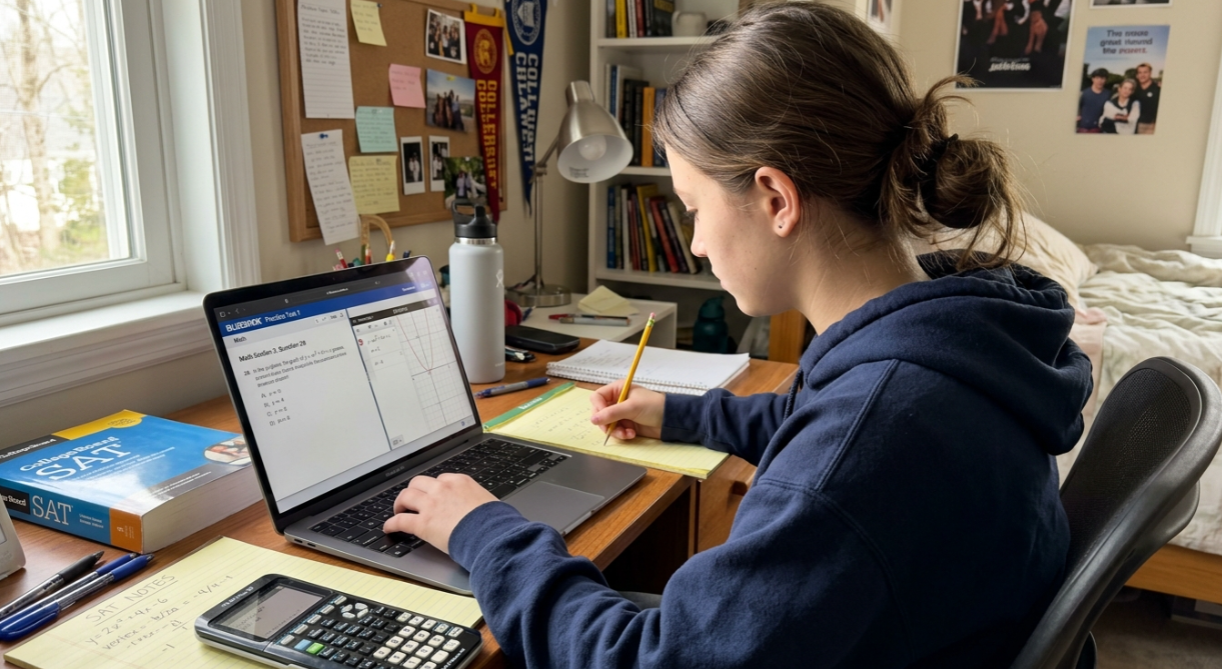
Here’s a key change from the old paper SAT: there is no longer a “no-calculator” math section. On the Digital SAT, a calculator is permitted for the entire Math section, covering both Module 1 and Module 2. That’s 44 scored questions across 70 minutes of testing time, all calculator-accessible.
You have two options:
Use the built-in Desmos graphing calculator embedded in the Bluebook testing app
Bring your own approved handheld calculator
You can actually use both during the test. Many students switch between them depending on the problem type. More on that strategy below.
During the Reading and Writing section, calculators must go under your desk. No exceptions.
What Changed: The 2025 CAS Calculator Ban
The headline change to the SAT calculator policy is simple: CAS calculators are banned starting with August 2025 SAT administrations.
What Is CAS?
CAS stands for computer algebra system. It’s a feature built into certain advanced calculators that can manipulate algebraic expressions symbolically. A CAS calculator can factor polynomials, solve equations with variables, expand expressions, and perform operations that go well beyond number crunching. In short, it can do algebra for you.
The College Board determined that CAS functionality “provided users with distinct advantages over nonusers,” which undermined the test’s ability to measure actual math skills. The policy reflects changes in calculator usage and feedback from educators, students, and families.
This wasn’t exactly a surprise. The ACT has prohibited CAS for years, and many testing experts expected the SAT to follow. The College Board frames it as a policy clarification rather than a brand new rule.
Why This Matters
Students who have been practicing with a TI-89 or TI-Nspire CAS need to switch devices immediately. Practitioners on Reddit and in tutoring forums have pointed out that many students inherit or borrow calculators without checking the specific model, and this is the single biggest source of test-day risk.
What Types of Calculators Are Allowed on the SAT?
College Board allows three broad types of handheld calculators on the Digital SAT, as long as they do not contain prohibited features:
Scientific calculators
Scientific calculators are allowed and can be useful for arithmetic, fractions, exponents, roots, trigonometry, and other common mathematical operations.
Graphing calculators without CAS
Non-CAS graphing calculators are permitted. They can provide graphing, data analysis, and other functions, but they cannot include computer algebra system functionality or another prohibited feature.
Four-function calculators
Basic four-function calculators are permitted, although College Board does not recommend them because some models do not follow the standard order of operations.
The key rule is not simply the calculator's category or brand. Your calculator must be free of the prohibited features listed by College Board.
One important detail that confuses many students: the College Board no longer publishes a positive “approved” list of graphing calculators. Instead, they publish only a prohibited list. If your graphing calculator doesn’t appear on the banned list and doesn’t have CAS functionality, it’s allowed.
This shift in approach means you need to check the prohibited list rather than looking for your model on an approved list that no longer exists.
How to Check if Your SAT Calculator Is Allowed
If you are unsure whether your calculator is permitted, check these features before test day:
Look at the exact model name. If the model name contains "CAS," it is prohibited.
Check for CAS functionality. A calculator that can symbolically solve equations, factor expressions, expand algebraic expressions, or produce exact symbolic answers may be prohibited.
Check for wireless connectivity. Wi-Fi, Bluetooth, cellular connectivity, or similar communication features are prohibited.
Check the keyboard. Calculators with QWERTY keyboards are prohibited.
Check for cameras or recording features. These are prohibited.
Remove symbolic-algebra programs. An otherwise permitted calculator cannot retain programs that perform prohibited algebra functions.
Delete stored documents. College Board requires stored documents to be removed before testing.
If you still cannot determine whether your calculator is permitted, check the current College Board calculator policy rather than relying on an old approved-calculator list.
Prohibited Calculators and Devices
Banned Calculator Models by Brand
The following CAS-equipped calculators are explicitly prohibited:
Brand | Prohibited Models |
|---|---|
Texas Instruments | TI-89 (all models), TI-92 (all models), TI-Nspire CAS, TI-Nspire CX II CAS |
Casio | ClassPad 300, 330, 400; ClassPad II (fx-CP400); ClassPad fx-CG 500; Algebra fx 2.0; all CFX-9970G models |
Hewlett-Packard | HP Prime; HP 48GII; all models beginning with 40G, 49G, or 50G |
A critical distinction: the TI-Nspire CX II (without “CAS” in the name) is perfectly fine. The TI-Nspire CX II CAS is banned. These two calculators look nearly identical. Check the model name printed on the device, not just the general shape.
Similarly, the TI-84 Plus CE is one of the most popular SAT calculators and is fully approved. The TI-89 Titanium looks similar but contains CAS and is banned. One tutor’s advice circulating in test prep communities captures it well: if you’re borrowing or inheriting a calculator, verify the exact model number.
Other Prohibited Devices
The SAT calculator policy extends beyond just CAS calculators. These are also banned on test day:
Cell phones and smartphones (calculator apps are never allowed, even in airplane mode)
Tablets and iPads
Smartwatches
Laptops and Chromebooks
Calculators with QWERTY keyboards
Calculators that connect via Bluetooth or Wi-Fi
Calculators that make noise or use paper tape
Calculators that require an electrical outlet
What You Must Remove Before Test Day
Even if your calculator model is approved, you’re required to delete any stored programs that perform symbolic algebra (solving equations, factoring, expanding expressions) and remove all saved documents. Test proctors are trained to identify common CAS models, and they can and do check for stored programs. A factory reset the night before takes seconds and eliminates any risk.
The Built-In Desmos Calculator
The Bluebook testing app comes with an embedded Desmos graphing calculator that’s available throughout the entire Math section. You don’t need to download or set up anything. It’s just there when you start the math portion.
What Desmos Can Do on the SAT
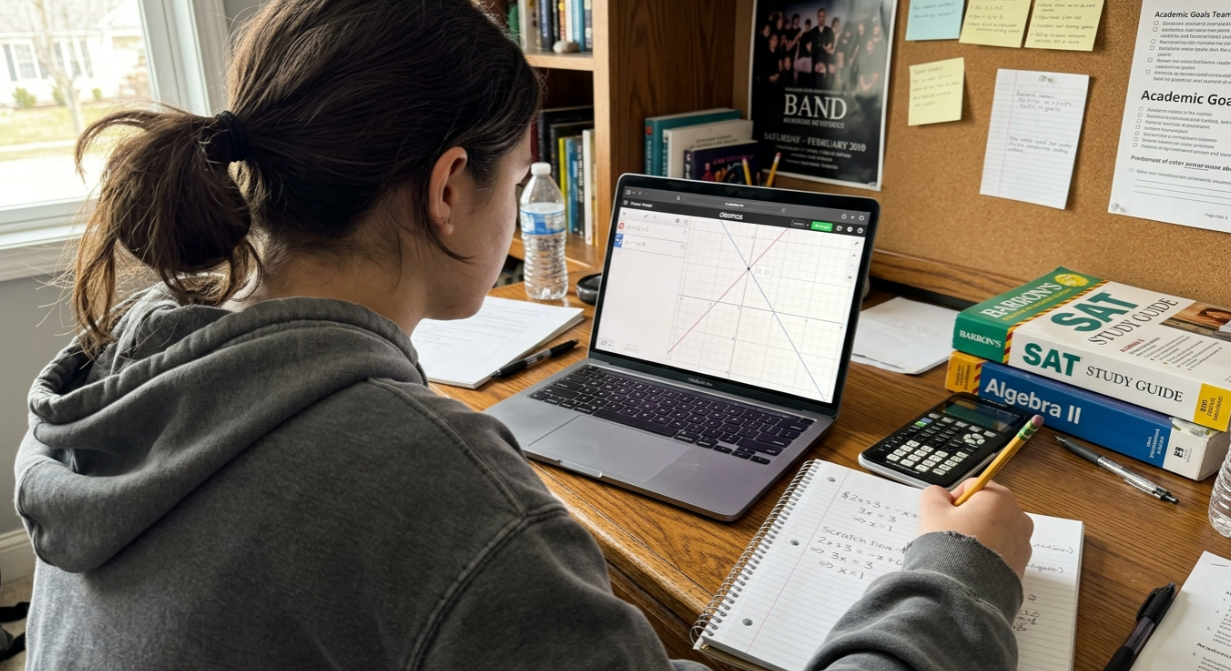
Students can toggle between graphing mode and scientific mode at any point during the Math section. The graphing mode is particularly powerful for:
Visualizing functions and finding intersections (useful for systems of equations)
Locating zeros and x-intercepts of polynomials
Analyzing parabolas to find vertex, minimum, and maximum values
Testing answer choices by plugging them into equations
Verifying your work visually before committing to an answer
Jaclyn Caruana, author of a Desmos SAT prep book and founder of EPIC Prep, puts it this way: “If you’re comfortable with digital tools, the Desmos SAT Calculator is the best option. But if you’re faster with your personal calculator and know it well, it can still be your go-to device.” The most practical approach, she argues, is to practice with both.
How Desmos in Bluebook Differs from Desmos.com
A common point of confusion: the Desmos calculator inside Bluebook has some feature restrictions compared to the full version at desmos.com. The test-day version is designed to prevent any CAS-like functionality while still giving you a powerful graphing tool. If you practice exclusively on the desktop website, you may encounter features that won’t be available during the actual exam. Practice using the Bluebook app to get the accurate experience.
Bluebook Desmos vs. a Handheld Calculator
Feature | Bluebook Desmos | Handheld calculator |
|---|---|---|
Available on SAT Math | Yes | Yes, if approved |
Graphing | Yes | Depends on model |
Scientific functions | Yes | Depends on model |
Requires you to bring a device | No | Yes |
Works if your handheld battery dies | Yes | No |
Familiar physical buttons | No | Yes |
Can be used alongside the other option | Yes | Yes |
Requires practice before test day | Yes | Yes |
The best choice depends on what you can use quickly and accurately. College Board recommends practicing with the calculator you plan to use on test day, and students can switch between the embedded Desmos scientific and graphing calculators during Math.
Do You Need to Bring a Calculator to the SAT?
No. A handheld calculator is optional because the Digital SAT includes a built-in Desmos calculator in Bluebook for the Math section.
However, bringing a familiar approved handheld calculator can be useful if you are faster with physical buttons or want a backup if your handheld calculator has a problem. If you bring one, make sure it complies with the current College Board policy.
College Board also notes that some Math questions are better solved without a calculator, so students should practice deciding when calculator use actually saves time.
When NOT to Use a Calculator
Even the College Board advises students to do scratch work first on some problems. Not every question benefits from a calculator. Simple arithmetic, basic equation manipulation, and conceptual problems are often faster by hand. Spending 30 seconds typing a simple expression into Desmos when you could solve it mentally in 5 seconds is a net loss on a timed test.
One tutor writing on Substack (Mathchops) noted that students who have been avoiding Desmos are “in for a very pleasant surprise,” calling it a major advantage. But the same principle applies in reverse: students who reach for Desmos on every single question are leaving time on the table.
The best performers develop a triage instinct. They recognize instantly which problems need graphing, which need quick arithmetic, and which are fastest with pencil and scratch paper. Building this skill requires realistic practice.
Try full-length SAT practice exams that simulate the Bluebook environment, including the built-in Desmos calculator.
Test-Day Calculator Rules
Beyond what’s allowed and banned, the SAT calculator policy includes several behavioral rules for test day:
No sharing. You cannot lend your calculator to another student at any point.
Calculator under your desk during Reading and Writing. It stays out of sight during non-math modules.
Covers off. Calculator covers must be removed and placed under your desk for the duration of the test.
Bring fresh batteries. If your handheld dies mid-test and you have no backup, you’ll need to rely on the built-in Desmos calculator.
You can bring a backup. Bringing a second approved calculator is allowed and recommended. Many students carry their primary graphing calculator plus a simple scientific backup.
For a complete rundown of everything else you should bring on test day, check out this Digital SAT test day checklist.
Consequences of Violating the SAT Calculator Policy
The penalties are severe and non-negotiable. Students who bring or attempt to use a CAS-enabled calculator during the SAT will be immediately dismissed from the test center, and their scores will be canceled. This applies to the entire test, not just the Math section.
There is no warning system. There is no “just put it away and we’ll let it slide.” Proctors are specifically trained to identify common CAS models, and discovery at any point during testing triggers the same outcome.
This is why double-checking your calculator before test day matters so much. The cost of getting it wrong is an entire testing opportunity, weeks of preparation, and the registration fee.
SAT vs. AP Calculator Policy
Students who take both the SAT and AP exams need to understand that these are separate policies. The College Board explicitly notes that CAS calculators can affect accurate assessment of the math abilities the SAT Suite is designed to test, but CAS functionality doesn’t present the same problem for AP exams.
In practical terms: your TI-Nspire CAS might be perfectly fine for AP Calculus but will get you dismissed from the SAT. Don’t assume one policy covers both.
Tips for Practicing with the Right Calculator
Knowing the SAT calculator policy is step one. Practicing under realistic conditions is what actually moves your score.
Practice with the exact calculator you’ll use on test day. If you plan to use a TI-84, practice with it. If you’re going Desmos-only, practice exclusively with the Bluebook version. Switching tools close to test day creates unnecessary friction.
Learn the Desmos techniques that matter most. Graphing systems of equations, finding zeros, testing answer choices, and using sliders are the highest-value skills. Check out Desmos SAT lessons and resources for guided walkthroughs of each technique.
Build your “calculator or no calculator” instinct. For every practice problem, consciously decide whether a calculator helps or slows you down. Over time, this becomes automatic.
Take full-length timed practice tests. The only way to build stamina and timing awareness is to simulate the real experience, all 44 questions in 70 minutes with adaptive module switching. Isolated practice is good for skill building, but full tests are what prepare you for the real thing.
Drill weak spots in a question bank. If you know your algebra is solid but geometry trips you up, targeted practice is more efficient than grinding through random sets. A SAT question bank that lets you filter by topic and difficulty helps you spend time where it matters.
How Often Does the SAT Calculator Policy Change?
The College Board states that calculator guidelines for the SAT Suite may change as frequently as once a year. The CAS ban that took effect in August 2025 is the most recent major update. Students should check the official policy page in the weeks before their test date to confirm nothing has changed since they last looked.
Get started with Digital SAT prep that keeps pace with every policy update and format change.
Frequently Asked Questions
Is the TI-84 allowed on the SAT?
Yes. The TI-84 Plus, TI-84 Plus CE, and all TI-84 variants are approved because they do not contain CAS functionality. The TI-84 remains one of the most popular SAT calculators.
Is the TI-89 allowed on the SAT?
No. All TI-89 models, including the TI-89 Titanium, are banned because they include a built-in computer algebra system. This is one of the most common sources of confusion because the TI-89 looks similar to approved models.
Do I need to bring a calculator to the SAT?
No. The built-in Desmos graphing calculator in the Bluebook app is available for every math question. Many students take the entire Math section using only Desmos. That said, having a familiar handheld as a backup is a smart precaution.
Can I use both Desmos and a handheld calculator?
Yes. The SAT permits using the built-in Desmos calculator and an approved handheld during the same testing session. Many tutors recommend using Desmos for visual tasks like graphing and your handheld for quick arithmetic.
What happens if I bring a banned calculator to the SAT?
You will be immediately dismissed from the test center, and your scores for the entire test will be canceled. This applies even if you haven’t used the calculator yet during the math section.
Is the SAT calculator policy the same as the AP exam policy?
No. The AP Program maintains its own calculator policy that still permits CAS calculators for certain exams. A calculator that’s fine for AP Calculus may be prohibited on the SAT.
Can I use a calculator app on my phone?
Absolutely not. Cell phones are banned from use during the SAT regardless of mode, including airplane mode. Calculator apps on phones, tablets, and smartwatches are all prohibited.
How is the Desmos calculator in Bluebook different from the regular Desmos website?
The Bluebook version of Desmos has some feature restrictions to prevent CAS-like functionality during the test. If you practice only on desmos.com, you may rely on features that won’t be available on test day. Practice using the Bluebook app for the most accurate experience.